Palinopsia · Opsia · a visual instrument
A visual instrument you play.
Palinopsia is a WebGL2 compositor you perform, not a tool you wire. It stacks layers of generated and treated video, plus a layer of sound, masters the whole picture through a fixed set of stages, and lets you steer every parameter live: by hand, by an internal modulation brain, over OSC and MIDI, from the other instruments of a dataflou mesh, from an AI agent on the same computer, or with your own body. With Ableton Link, it keeps time with your music.
Free and open source, for Windows, macOS and Linux. The name is the persistence of a visual image after the stimulus is gone.
Download
The latest release for every platform. Built by CI, unsigned for now.
Windows
Installer (.exe) or a portable single file. x64.
Get the latest ↗SmartScreen may warn on an unsigned build: More info → Run anyway.
macOS
A .dmg for Apple Silicon (arm64). On an Intel Mac, build it from source.
Get the latest ↗Not notarized: drag Palinopsia into Applications first, then run xattr -cr /Applications/Palinopsia.app once in Terminal (or open it, then System Settings → Privacy & Security → Open Anyway).
What it can make
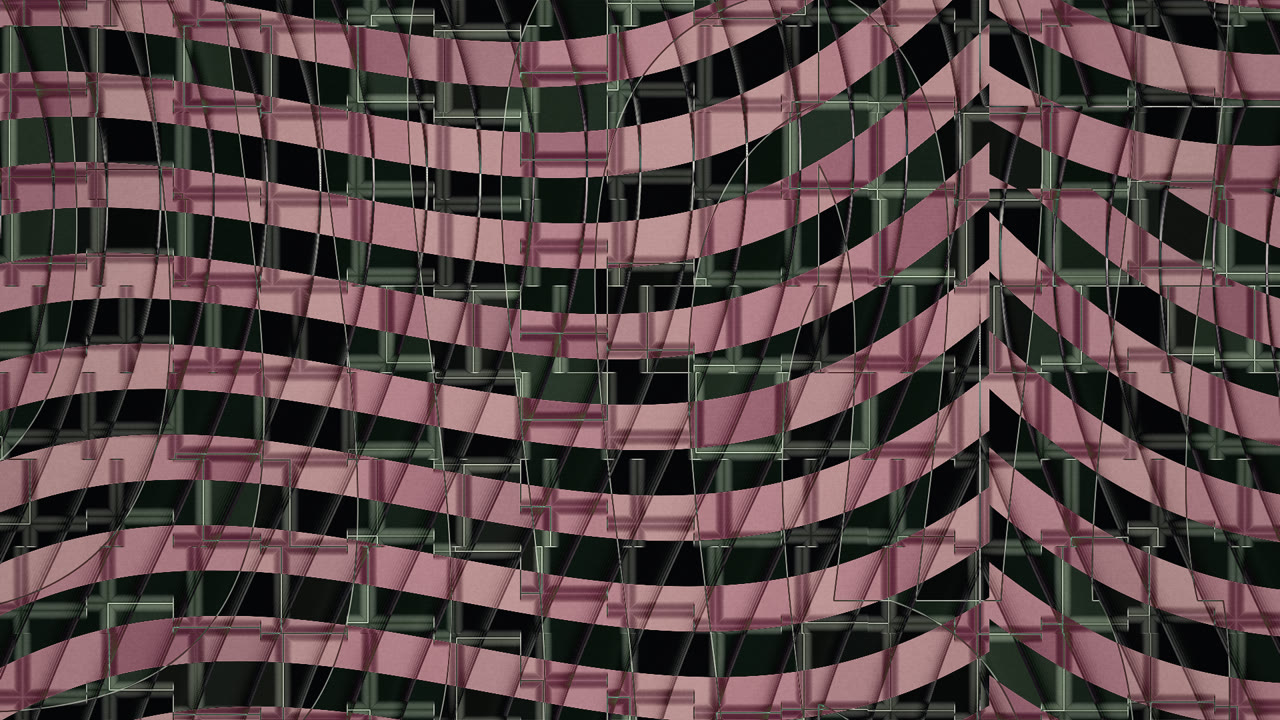
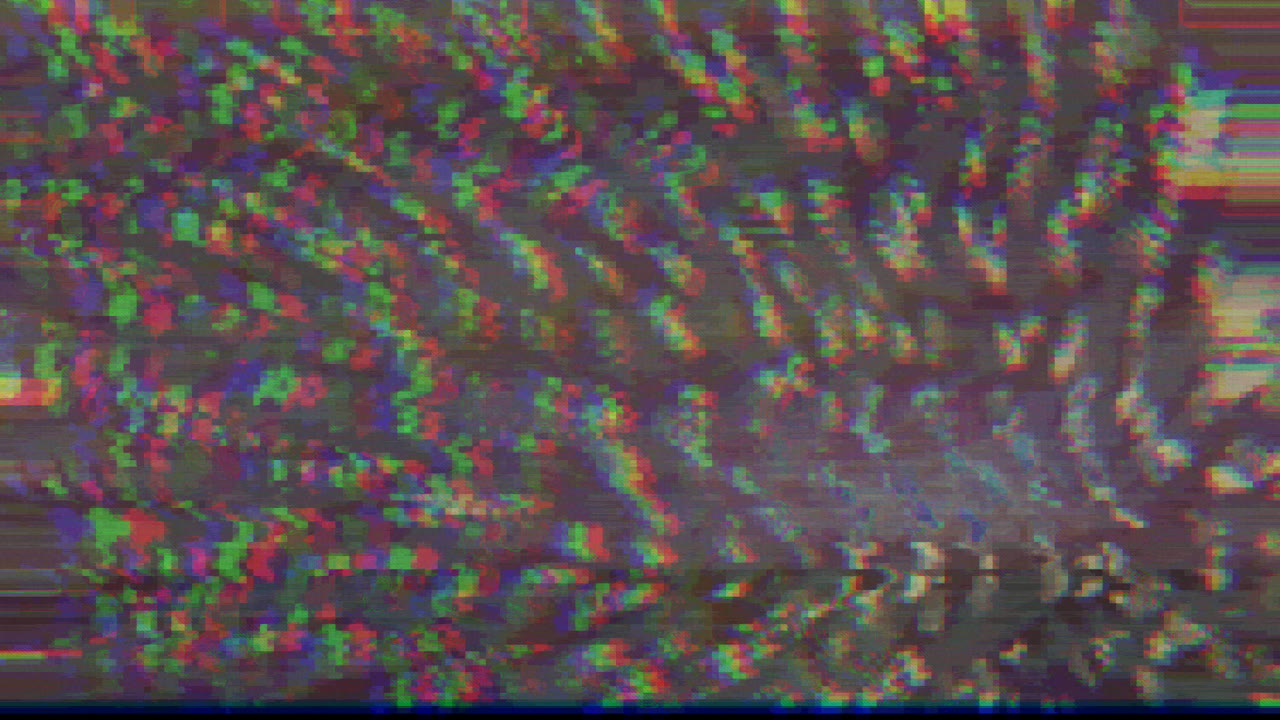
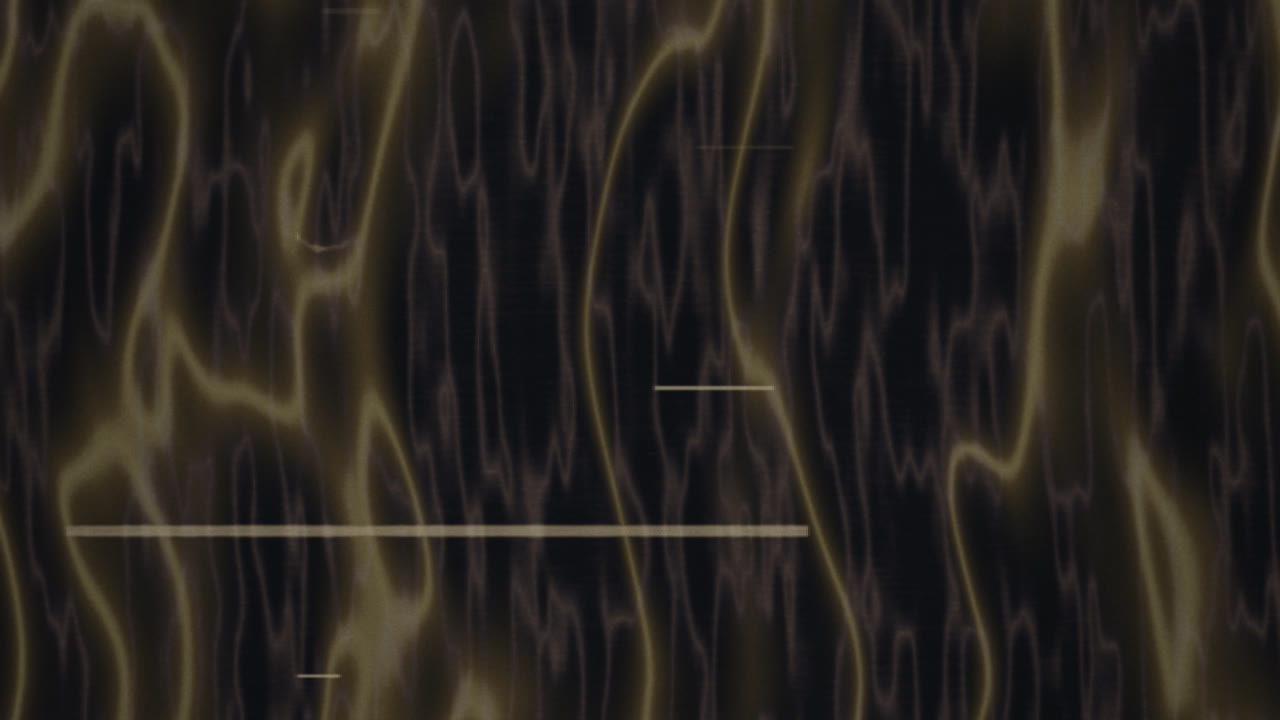
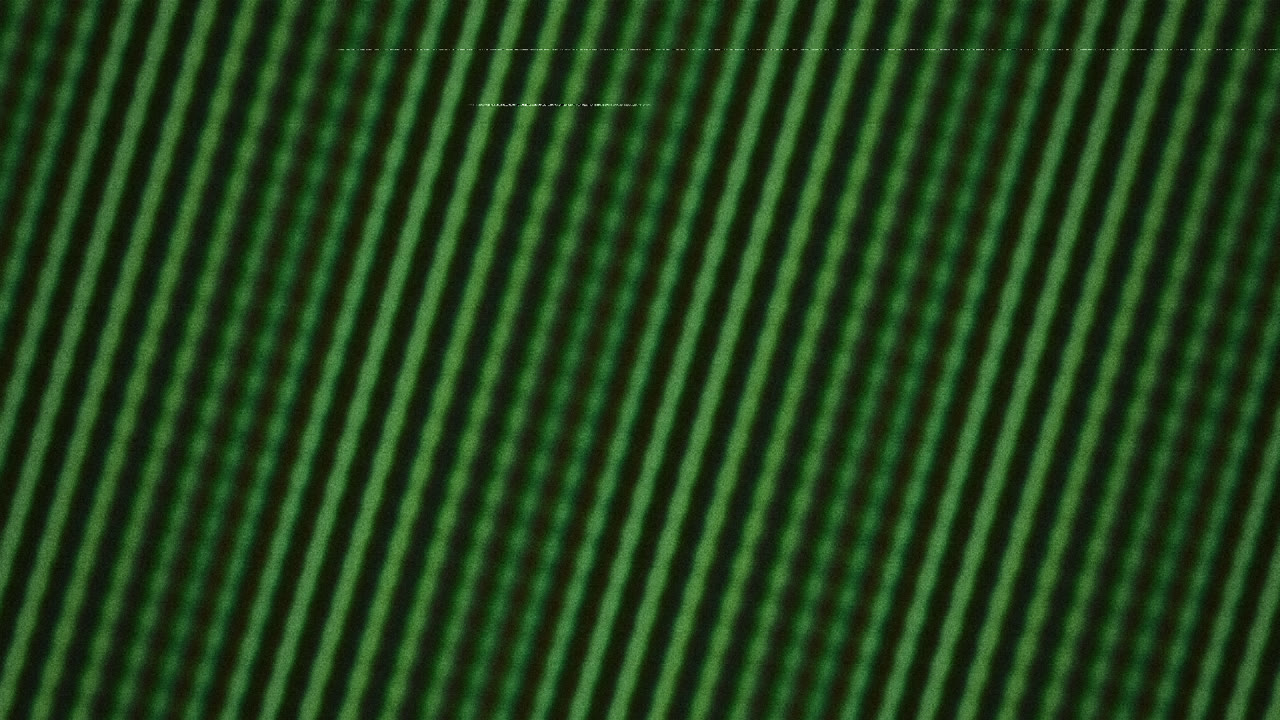
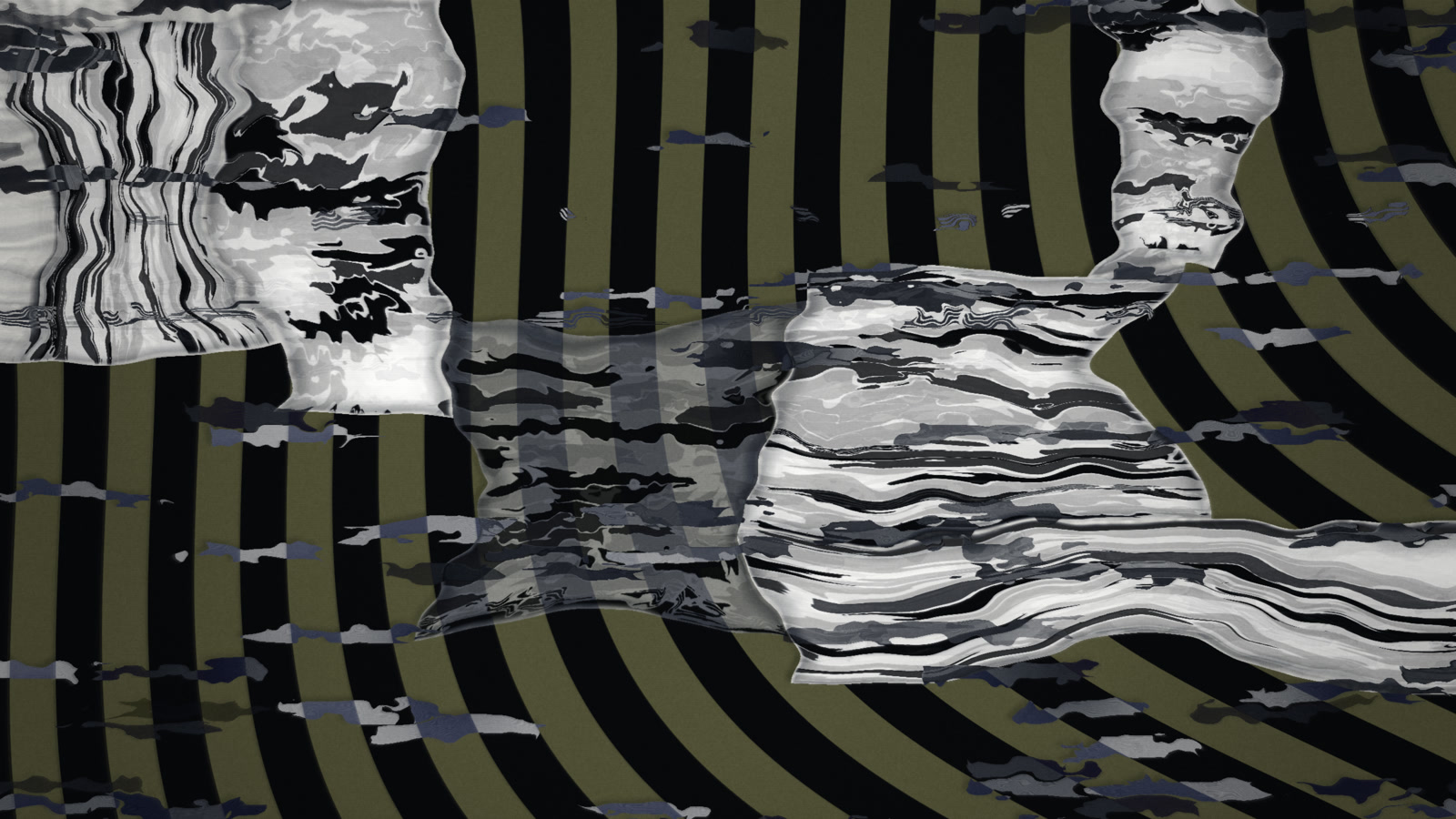
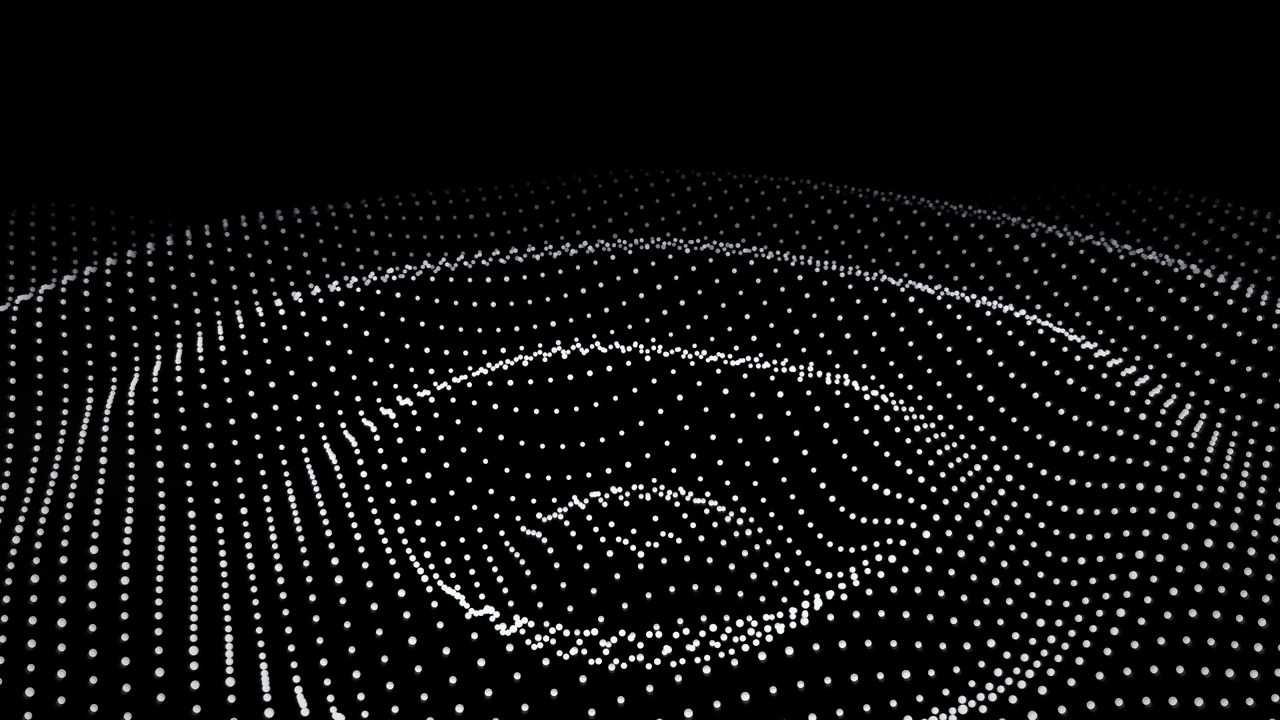
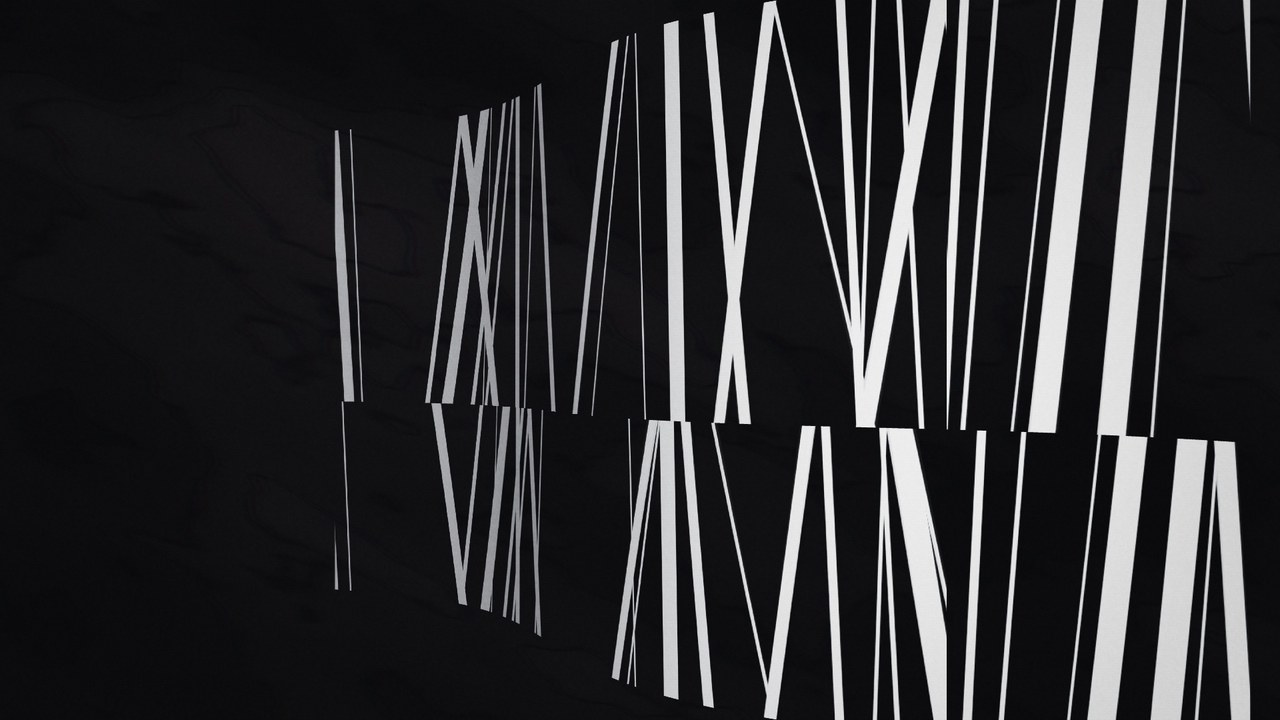
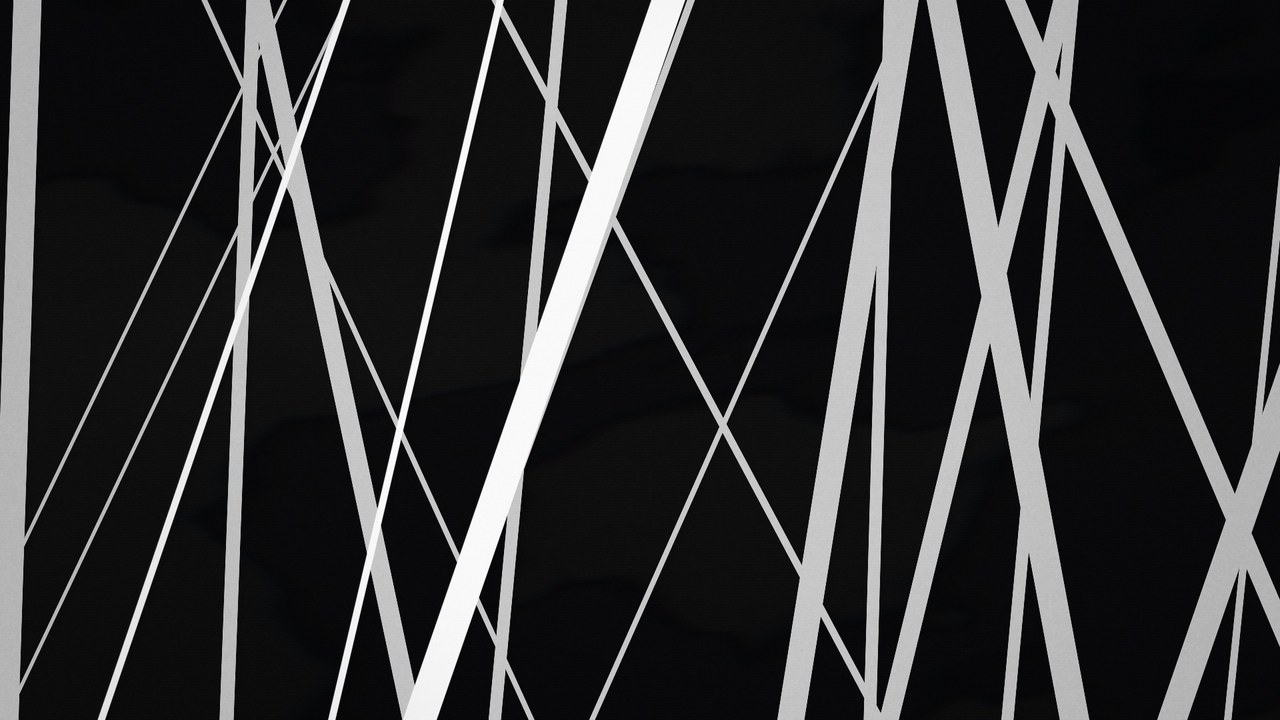
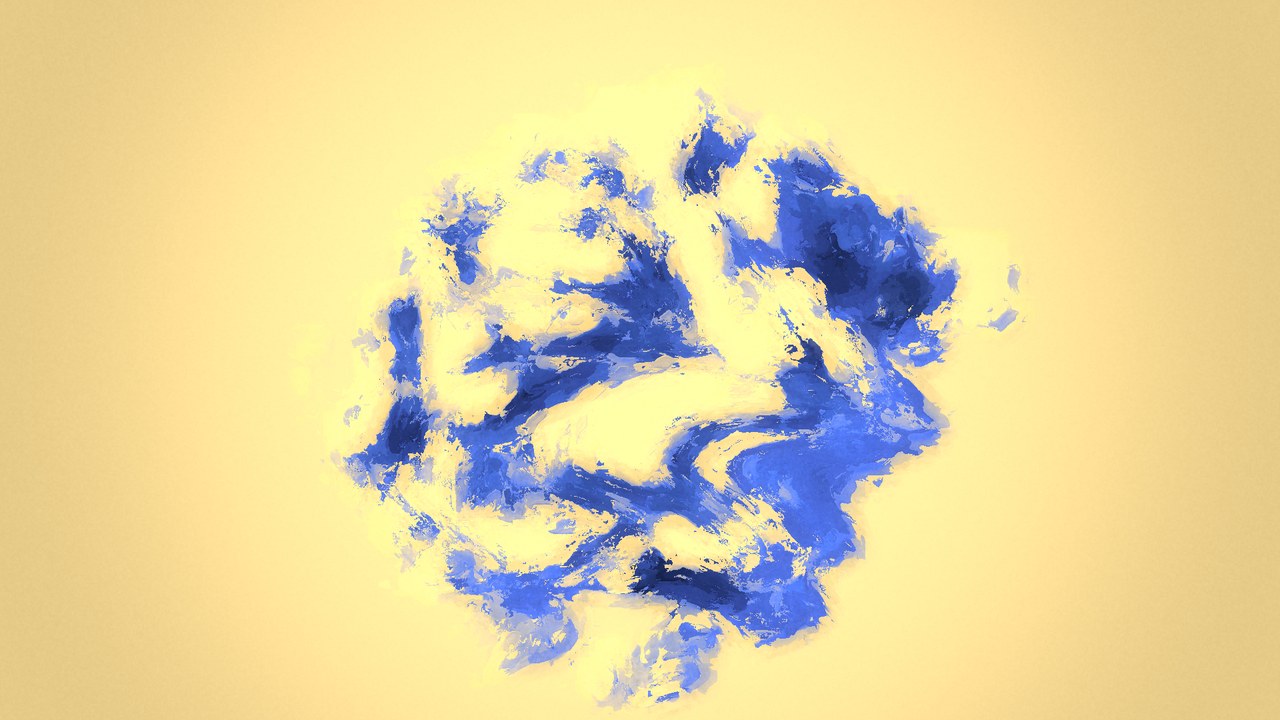
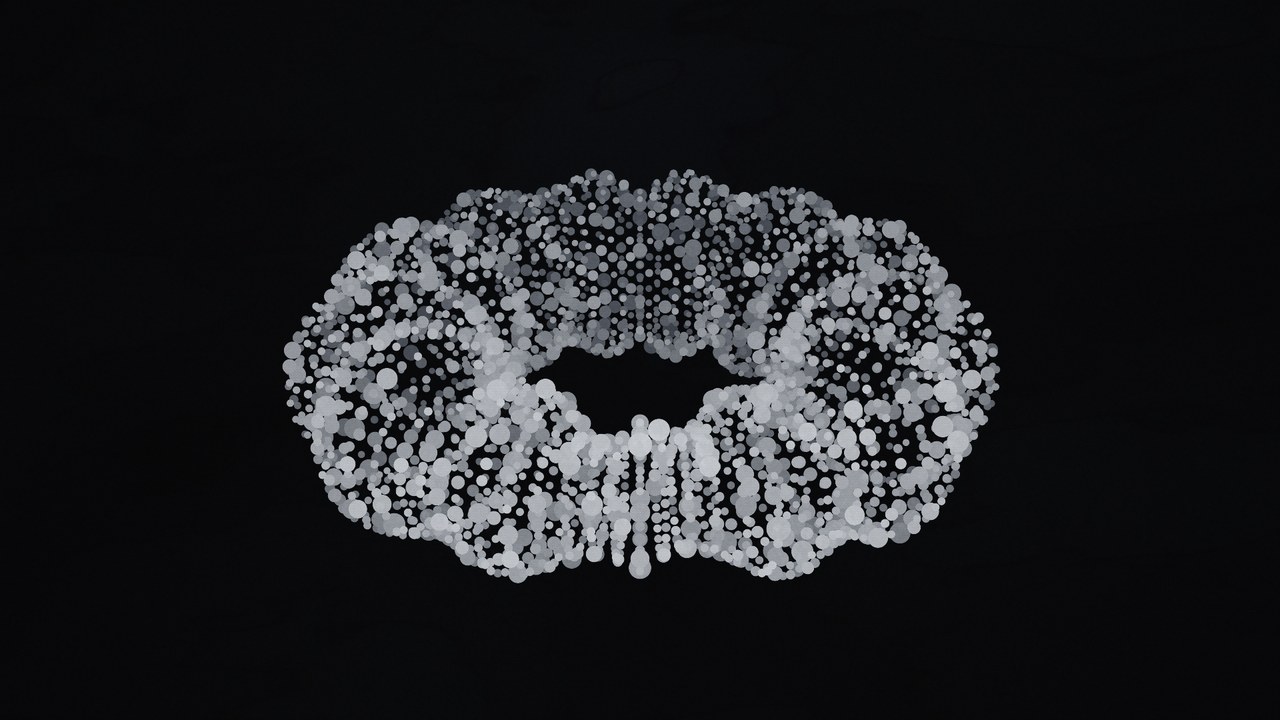
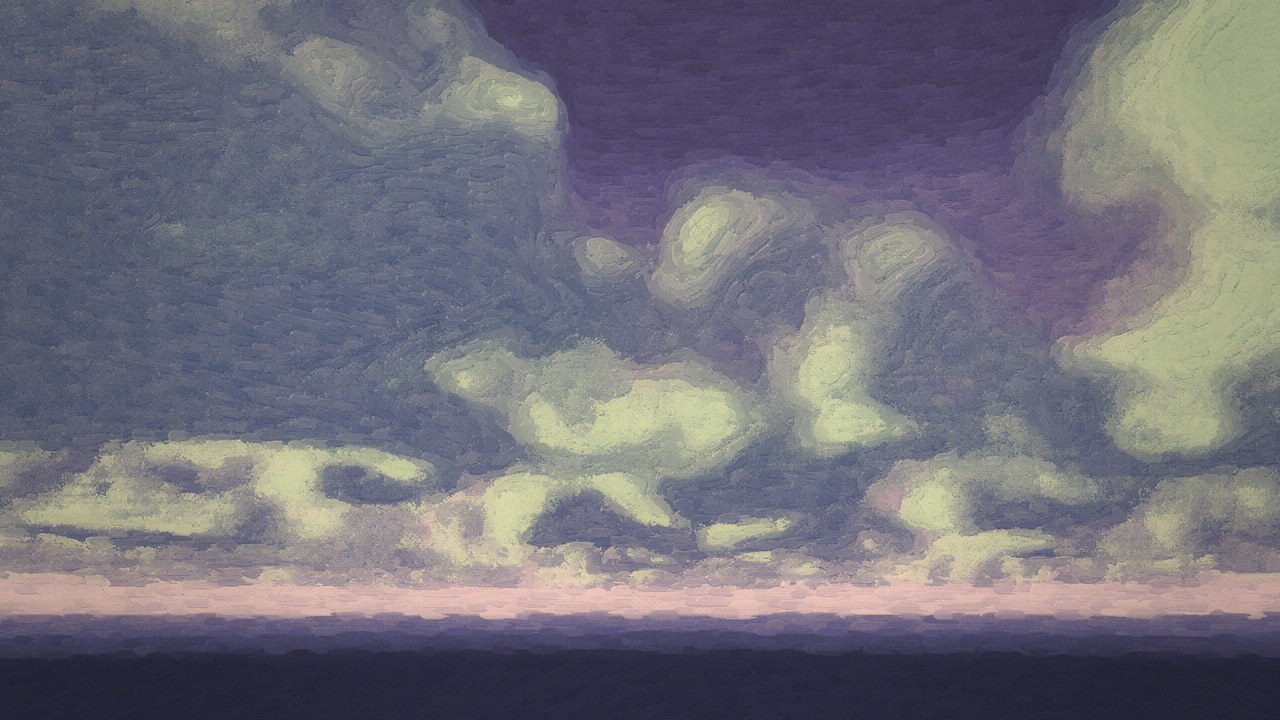
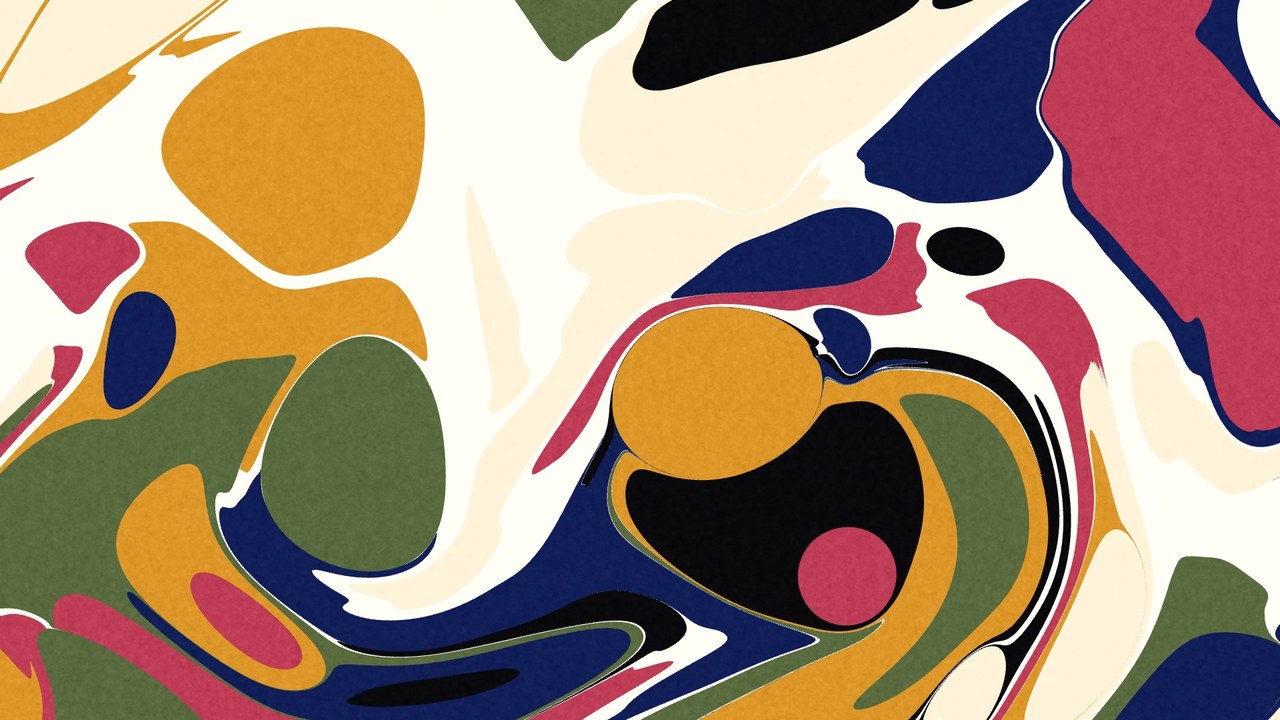
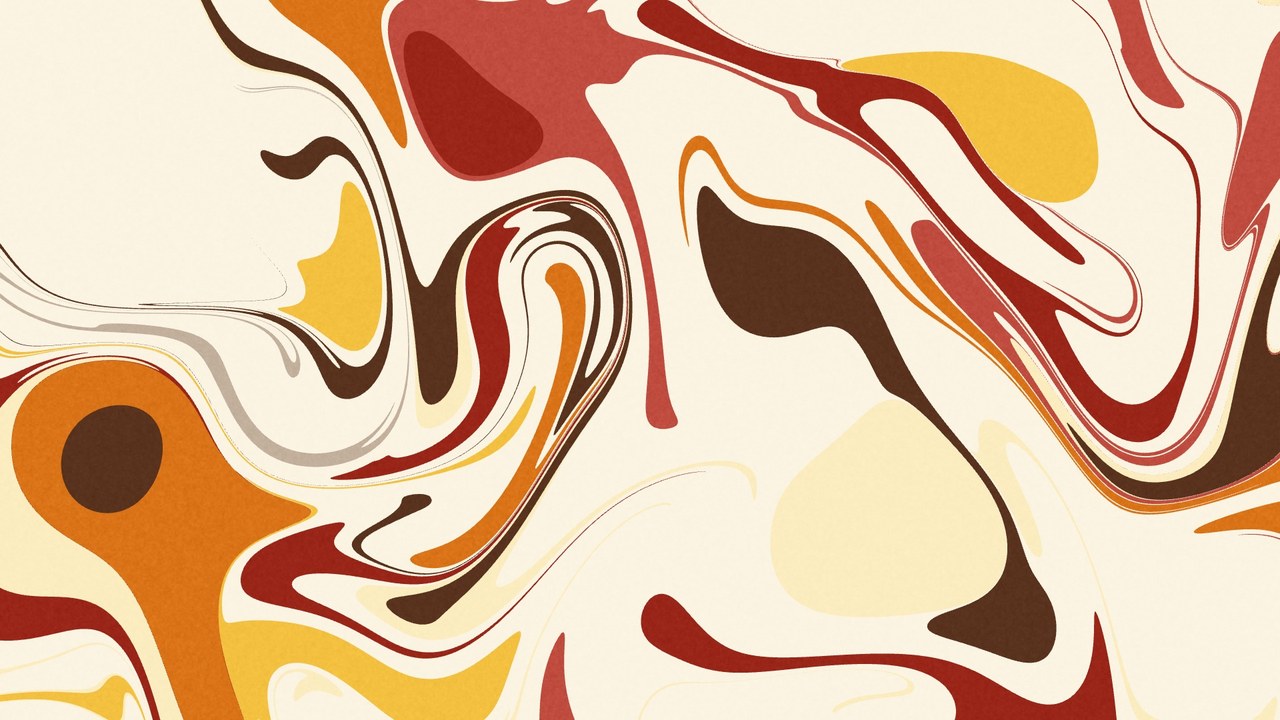
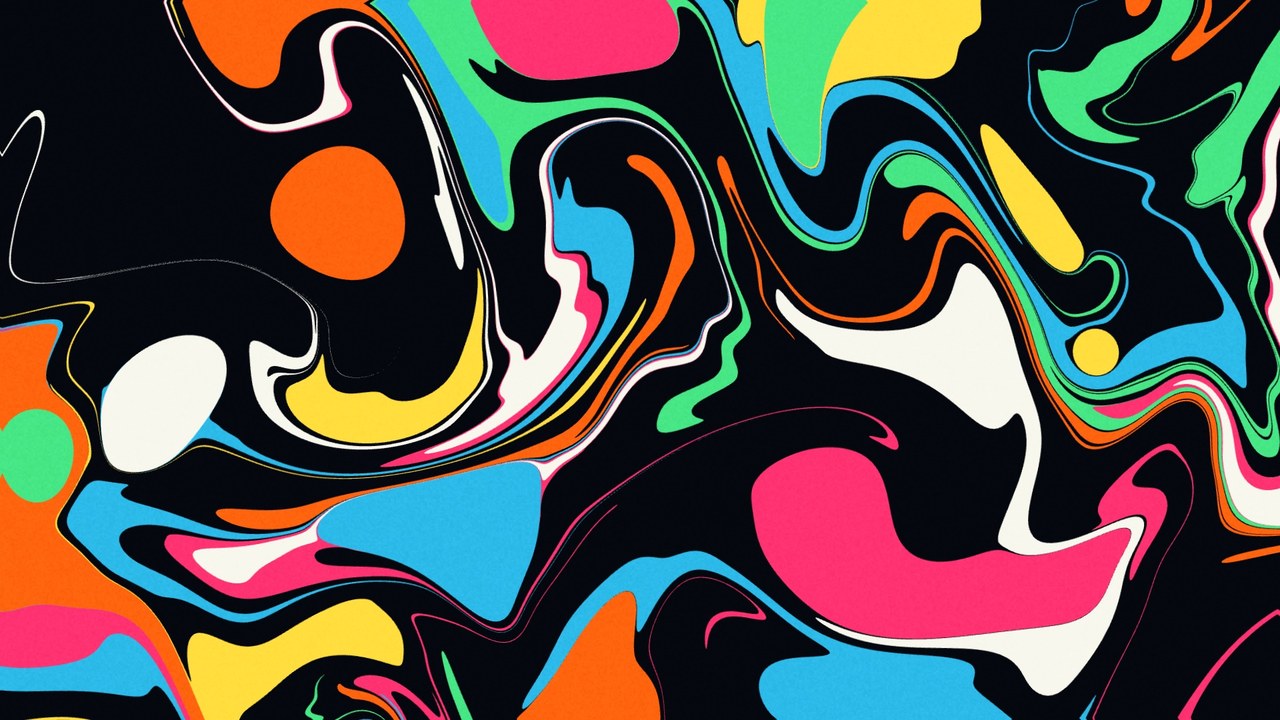
Every frame below was built by the app alone, no external footage. Pick a recipe from Generate and it composes the whole session for you.

Your first five minutes
- You land on a fresh, random one-layer scene. Press R a few times. Each press re-rolls the whole instrument (sources, effects, blends, modulators) from curated ranges and crossfades over the morph time. This is the fastest way to feel the range of the thing. Anything you made Persistent (right-click a control, an effect or a source) stays where it is.
- Open the Feel tab with G and drag Density, Flow and Drift. These are whole-image macros: one slider reshapes the entire picture at once. Double-click any slider to reset it to neutral.
- In a layer's IN step, click its A button (or pick another source from the menu beside it) and play with its parameters in the Inspector under the preview. Every slider carries a dice for a curated random value, a preset menu, and an M button to attach a modulator.
- Keep something you like: click + in the scene bank to save it, then press 1–9 to recall your scenes live. Recalls morph over the Morph time, live: set it long and one scene slowly becomes the next.
- Go big: press O for the Output page (it opens inside the app), pick a display, and go fullscreen. Or reach for Generate in the toolbar: 126 recipes, each building a whole coherent session (visuals, palette, world and feel) in one click.
Beyond the picture
Palinopsia is one instrument with several rooms, each reached by a single key.
SonifyS
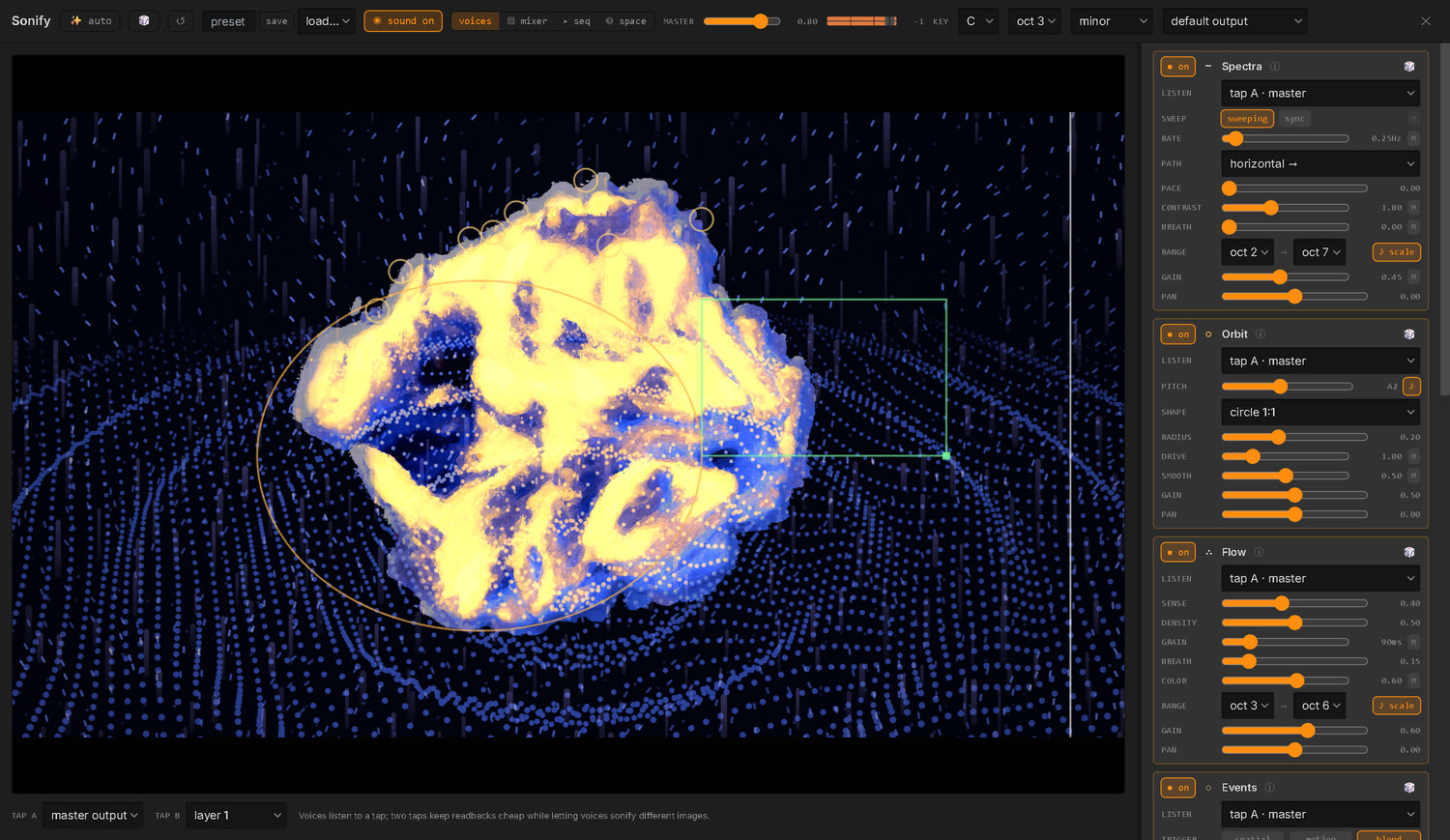
The image itself synthesizes audio in real time, inside the app, no external software. Eleven voices (a scanning spectrogram, the frame as an oscillator, grain clouds off motion, struck edges, raster audification, SSTV, resonant filters, read heads that play the picture as data, a chord bank, a Collage's own films heard as a tuned sound collage through a Ring bank inspired by the S-4, and an Assemblage's own sound, cut with the picture) with a shared reverb/delay tail, an output EQ with presets, an effects sequencer, and a key sequencer that composes the key of the whole instrument over time. And every voice can take its place in the room : around a speaker dome, or as objects for SpatGRIS. Right-click the Sonify button to open the page in a window of its own.
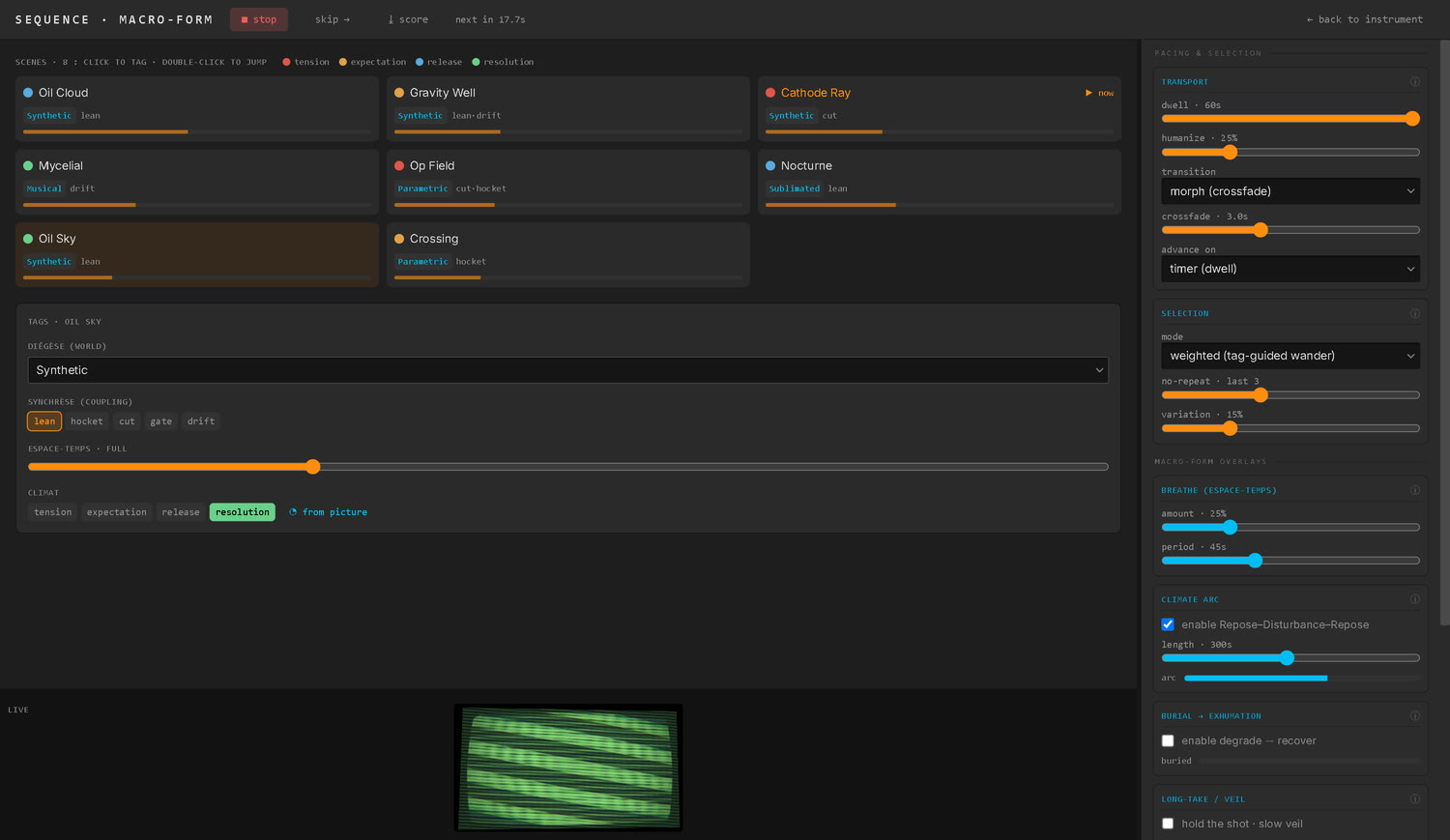
SequencerQ
An auto-pilot over your scene bank. Tag each scene, then let it wander: weighted or climate-shaped selection, morph or cut transitions, and slow durational long-forms (Burial, Long-Take, Frame-Weave) that reshape the whole run over minutes. Right-click the Seq button to keep it in a window of its own, on another screen.
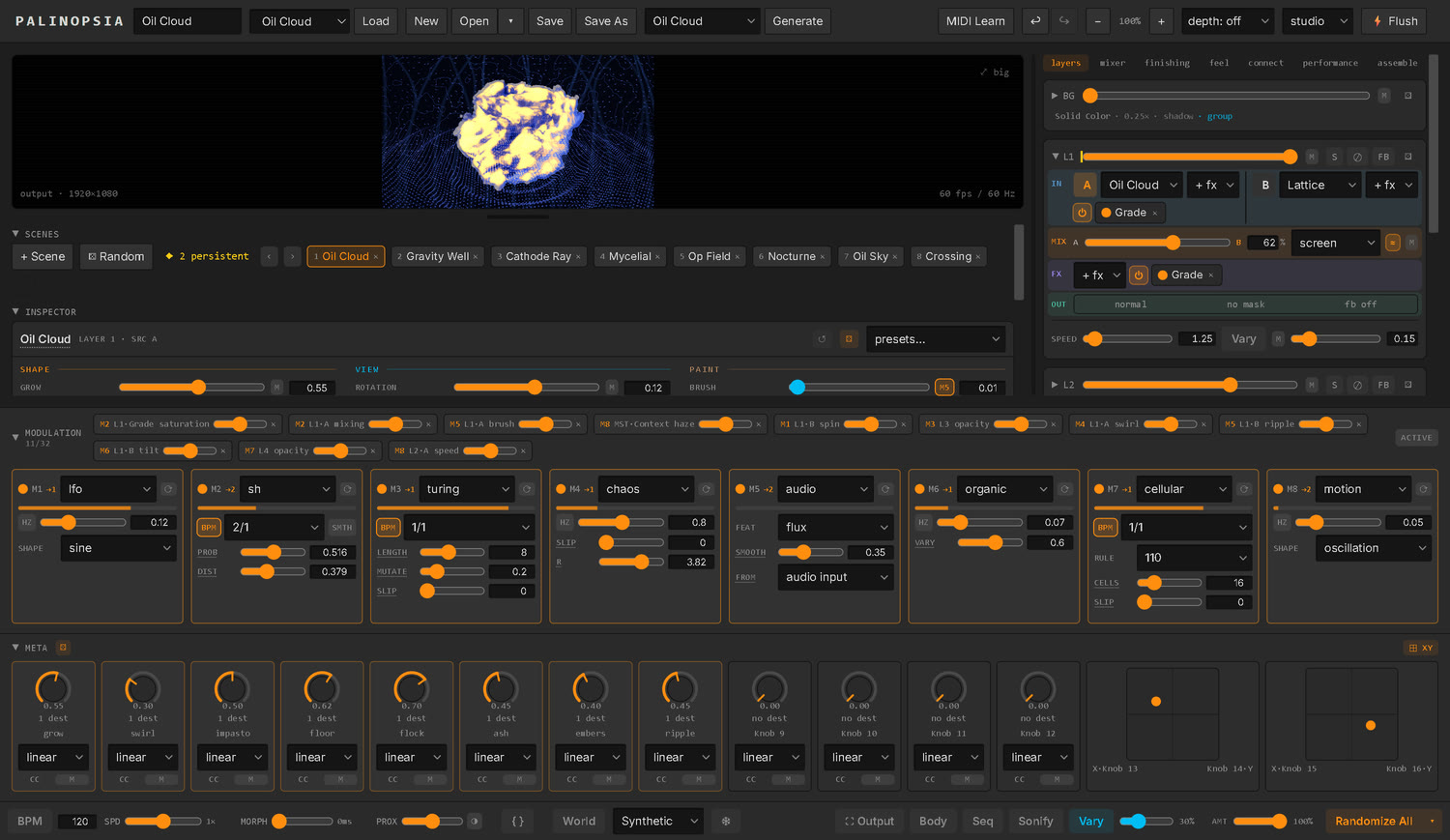
Modulation brainD
Eight modulators (LFOs, envelopes, chaos, a step sequencer with conditional steps and swing, Euclidean and Turing patterns, audio and vision followers, a body follower) and sixteen macro knobs (their row shows with the MACRO button, and they play hidden too) write on top of your values every frame. Dial a value by hand, then let a shape move it. Shape a binding with ⌇ : combine it with other modulators, keep only the real hits with a threshold, or integrate it so each beat pushes the value a notch and leaves it there. An audio modulator can even listen to a film's own soundtrack, where its playhead is. Everything answers to MIDI Learn and OSC too.
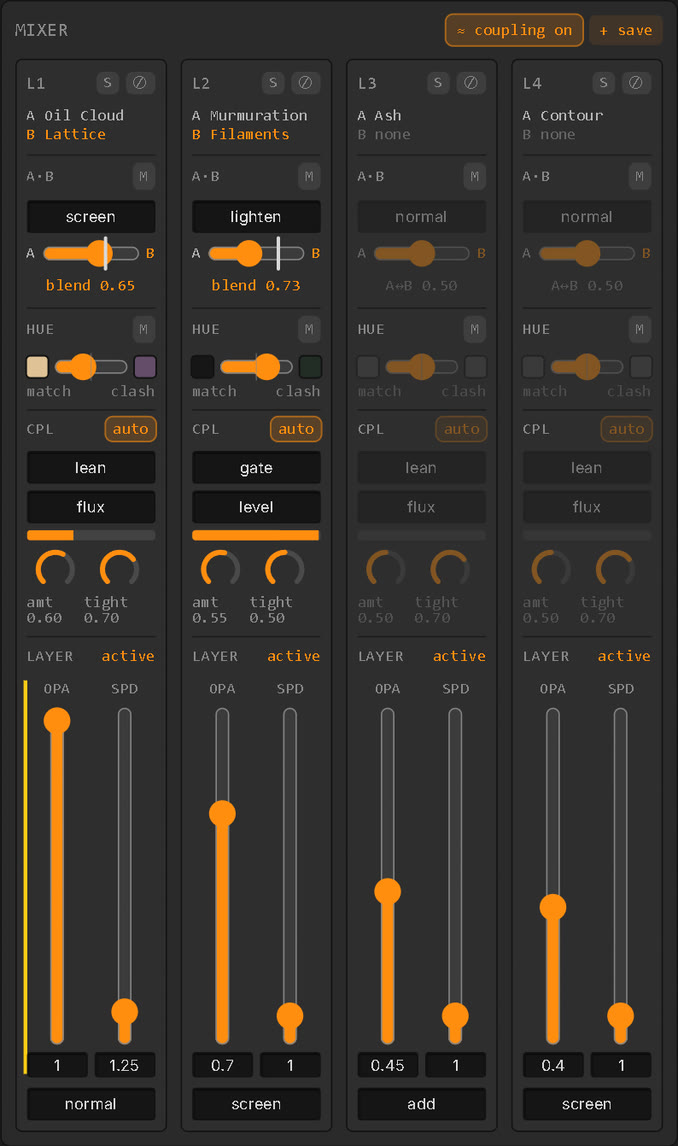
MixerM
The home of A and B. Each layer's column shows how its two sources meet : the mode and a crossfader from A to B, a white line where the sound pushes it, the hue harmony (B takes A's colors, or their opposite) with swatches, and the coupling to the sound with a live meter, above opacity, speed and blend. Each column says whether its layer is active, and why not; one ≈ coupling switch pauses every layer's coupling at once.
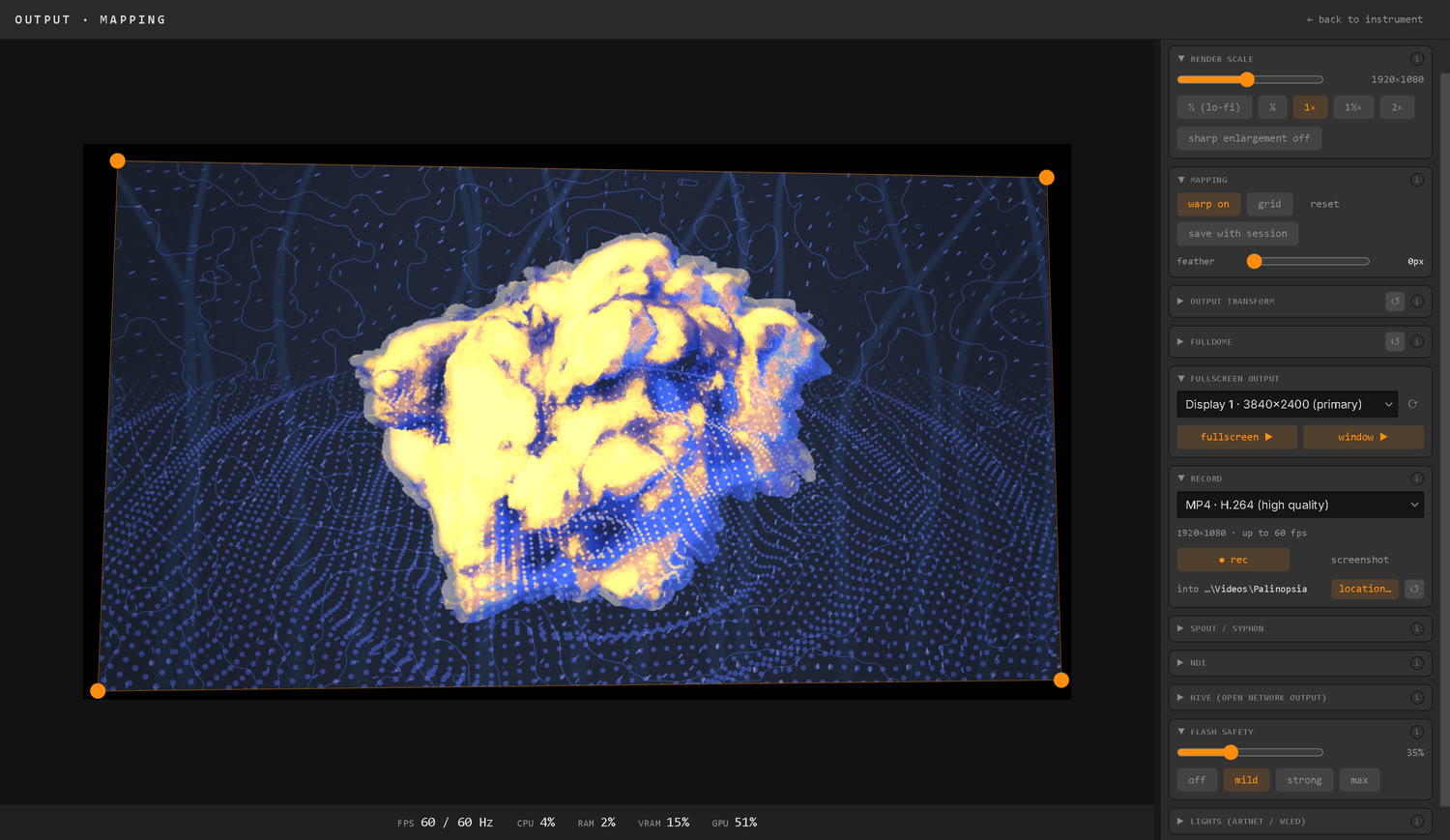
Output & mappingO
Fullscreen to any display, projection-map with a keystone editor, and record the take in real time, DXV3 included (it keeps rolling when you leave the page). Send over NDI, Spout, Syphon or HIVE (and play any NDI source on the network as a layer), go under a fulldome with a 3D simulator, span a custom composition across several projectors, run it as a self-healing installation, and push the picture's color into the room over DMX / WLED, all behind a built-in flash-safety limiter. The page opens inside the app; right-click the Output button to open the output, or the whole page, in a window beside the controls.
Source EditorAlt+E
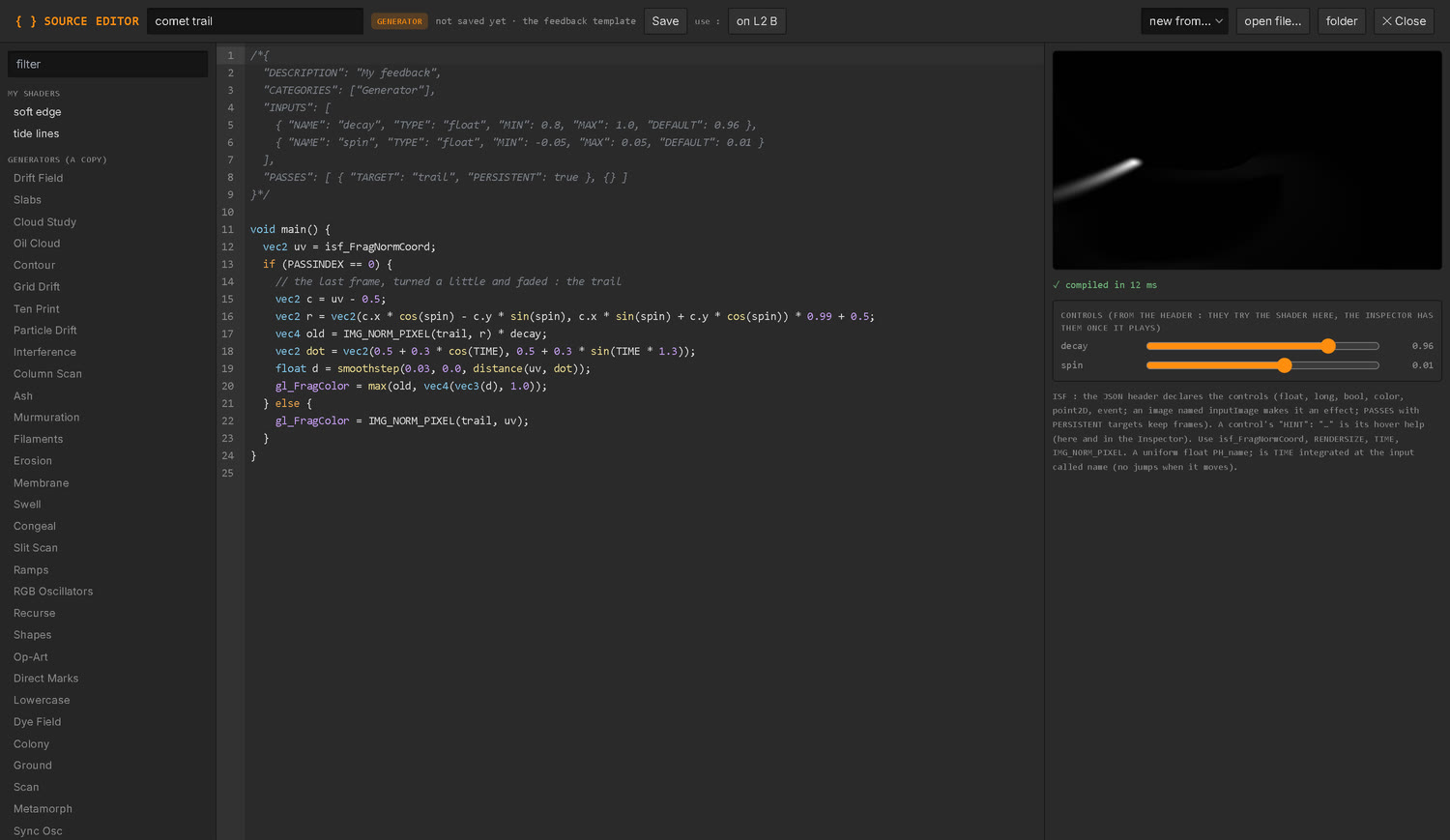
Write your own generators and effects in ISF. Start from a template, from a copy of any built-in shader, or from an ISF file found anywhere. It compiles as you type into a live preview, the shader's controls right there to try it; the last version that worked keeps playing, and a mistake is marked on its line. Save it and it joins the source and effect menus under my shaders, like any built-in; save again while it plays and it changes live. Sessions carry the shaders they play, so they open the same on another computer.
Resolume mapperK
Open a Resolume composition and its layers, clips, effects and dashboard become columns of a pin board whose rows are Palinopsia's signals: modulators, Macro knobs, the audio, picture and body features, any OSC address. Click to connect, set an amount, smooth it, and recall scenes as Resolume columns. 8 snapshots, a lock, and a dice for happy accidents.
dataflou meshA
Turn on the dataflou section of the Connect tab and Palinopsia becomes a node of the mesh its sibling instruments speak. Nodes on the network find each other on their own, show what they publish and what they take, and wire any source to any destination, both ways. Palinopsia shares what it senses (sound, picture, body, modulators) and takes Macro knobs, layers, the feel macros, scenes and tempo.
Ableton LinkA
Enable Ableton Link in the Connect tab and Palinopsia joins Live, DJ software and every Link app on your network : one tempo that anyone can change and everyone follows, and one bar. Modulators synced to the BPM and Sonify's sequencers land on the same downbeat as the music, a LINK badge beside the BPM counts the apps linked, and a latency setting keeps the picture on the beat through a slow projector. With start / stop sync, Live's play starts Palinopsia's MIDI clock and sequencers on the bar, and Palinopsia's play starts everyone.
Agent (MCP)A
Turn on Agent (MCP) in the Connect tab and an AI agent on the same computer can read what is playing, look at the output, set sources, controls, effects and scenes, drive anything that has an OSC address, and write new shaders, seeing each one run before handing it to you. Every change it makes is one Ctrl+Z, your Inspector stays where you left it, it cannot touch the Flash safety, and only your own computer can connect. Off until you turn it on.
Under Layer 4, the Audio Layer plays sound : two slots of sound files, live inputs or NDI® sources, each with its own volume, pan and mute and a mix between them, through Sonify's output, Sonify on or off. World W sets the mood of the whole instrument (its atmosphere, its film character, how the layers couple to the sound), says what it will change before you apply it, and fades in and out with its World amount. Body B reads the room: turn a webcam on (opt-in) and MediaPipe reads your hands (down to each finger), pose, face and silhouette into the instrument. Route any tracked feature, any movement quality or the motion field into a modulator, or author gesture rules that fire actions and OSC: hold up a fist or a peace sign, cover a screen zone with your shadow, or trigger on presence when someone walks into frame. A rule can fire some 250 actions, from a layer's mute to the next master chain, a Generate theme or the key, and with Pinch = click each hand's pinch paints on the picture like the mouse. Assemble E is a concatenative video editor: point it at a folder of films and it edits a matching sequence live, as a layer source. And Collage is a source: a wall of films cut up like torn paper, every piece its own film, that you can modulate, run through effects and hear in Sonify.
The mental model
A few ideas that make everything else click into place.
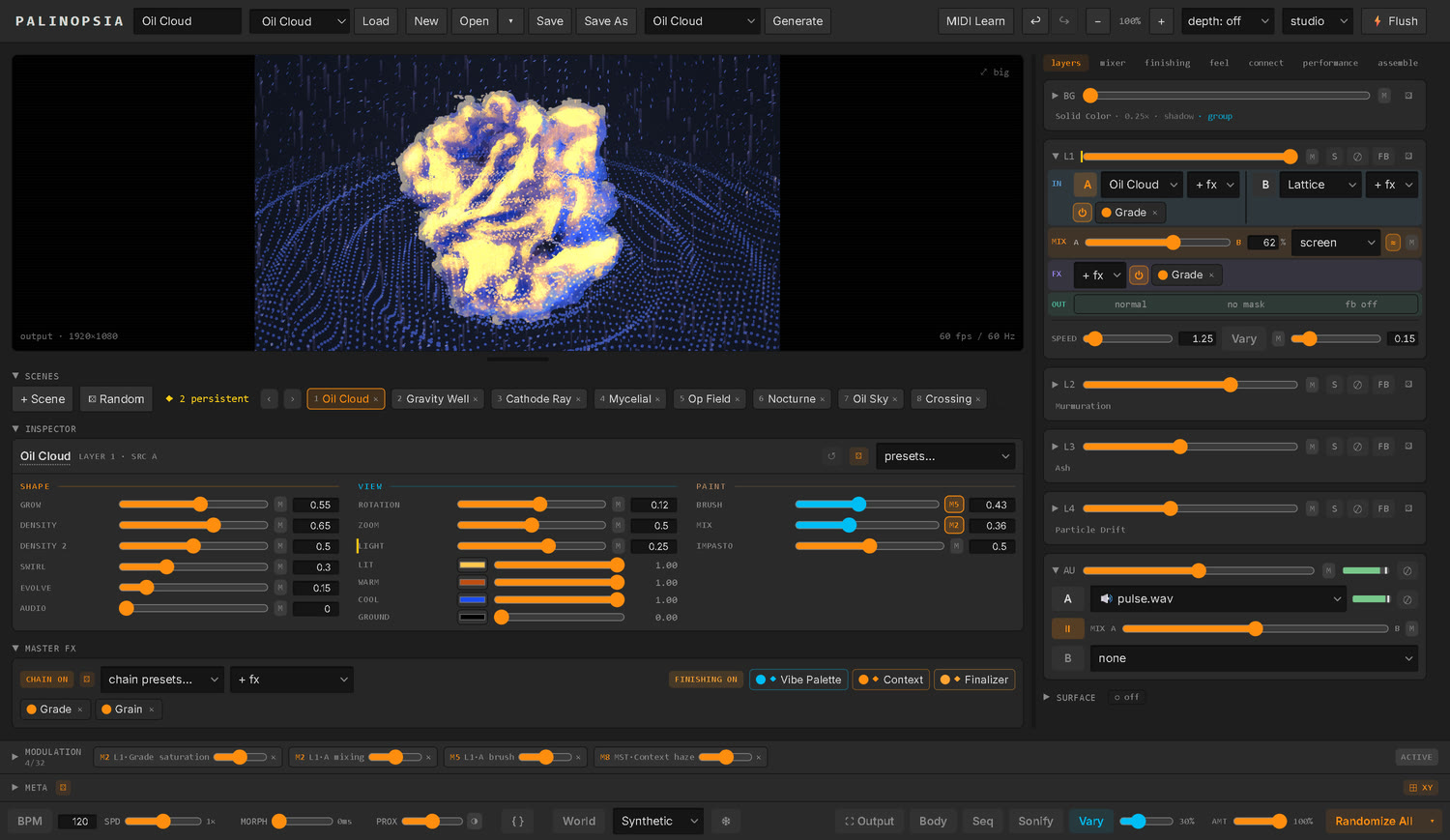
- The picture is a stack, built bottom to top: a Background, then Layer 1 to Layer 4. The Layers column reads in that order, top down, and ends with the Audio Layer, for sound. The layers either blend onto the Background (Layer 1 in its own blend mode) or sit over it as a group, letting it through their dark parts.
- Each layer reads top to bottom in four steps, the way the picture goes through it : IN, its two sources (A and B), each with its own effects; MIX, how they meet; FX, the layer's own effects; and OUT, its blend mode onto the layers below, a spatial mask and its feedback. It has its own opacity and speed too. A source is a generator, one of your own shaders, an imported video or sound, a live capture, or a network stream.
- Three stages master the whole picture, always last and always on: Vibe Palette (colour), Context (depth and atmosphere), and the Finalizer (final grade, grain, and output shape).
- Anything you can reach, you can automate. The modulation brain and the macro knobs write on top of your values every frame, and the same targets answer to MIDI and OSC. You dial in a value by hand, then let a shape move it. And what you make Persistent stays put: scenes, Randomize and Generate move everything around it.
That is the instrument. The long list of sources, effects and nodes is vocabulary you learn over time. The shape of the thing does not change.
How do I…?
Get sound out of it?
Press S for Sonify. The image itself synthesizes audio in real time, inside the app, no external software. The probes you see drawn on the picture are the instrument.
Play a sound file or a live input under the layers?
In the layers tab, under Layer 4, sits the Audio Layer (AU). Each of its two slots, A and B, takes a sound file (drop one on it from your desktop), a live input (a microphone, or your interface's inputs, one channel or a stereo pair) or the sound of an NDI® source on the network. Each has its own volume, pan and mute, with a mix between them; the ▶ between A and B starts both files together. It plays through Sonify's output, Sonify on or off, so the output EQ, the recordings and Space have it. Pick Audio Layer as the Connect tab's input and everything that reacts to sound reacts to what it plays. A session never turns a microphone on by itself: a saved live input comes back with an open button.
Make a collage of my films?
Pick Collage as a layer source and open a folder in the Inspector: every piece plays its own film. Bind a modulator to cuts and the wall grows and shrinks a piece at a time; turn on FX before shapes to run the source's effects on the films while the seams and torn paper stay crisp; and turn on Sonify's Collage voice to hear them, tuned to your key.
Paint on the picture with the mouse?
Put Marbling on a layer and click the preview: a click drops paint right where you clicked, holding pours, dragging leaves a trail of drops, and the Inspector's click tool switches to a comb or a swirl. It lands where you click on the big preview too, through the keystone and on the dome. Each gesture is one undo and is kept with the session. On the Body page, Pinch = click lets each hand's pinch do the same, two hands at once.
Move an effect from a layer to the master?
Drag its chip onto the other rack (hold Ctrl to copy instead), or right-click it for Copy to Master FX / Copy to Layer N FX. Its modulation follows a move. A rack that can't host an effect says why.
Keep a master chain I like?
Right-click the Master FX strip, choose Save chain as preset… and give it a name. The chain as it plays is kept on this computer: every effect with its settings, which ones are on and how wet, and the Vibe and Context. It comes first in the chain presets… menu under my chains, in Ctrl+K and in the next / previous chain actions; the same right-click renames or deletes it.
Write my own shader?
Press Alt+E (or { } in the bottom bar) for the Source Editor. Start from a template (a generator, an effect, a feedback), from a copy of any built-in shader, or from an ISF file. It compiles as you type into a live preview with the shader's controls beside it; a mistake is marked on its line while the last version that worked keeps playing. Save with Ctrl+S and it joins the source and effect menus under my shaders, kept in a Shaders folder; save again while it plays and it changes live. A session carries the shaders it plays, so it opens the same on another computer.
Change scenes or sessions during a show without a jump?
Set the Morph time in the transport. Scene recalls, Randomize, the sequencer, loading a session, New and Generate all move into the next composition over that time, live: the same sources ease their every value, anything else crossfades layer by layer, and a new layer only fades in once it is ready. At Morph 0 a session holds the picture still while it compiles, then dissolves.
Build a set from sessions I already have?
Open ▾ → Add a session as scenes… (or right-click Load for the session picked in the list) brings another session into the one you are playing, as a scene named after it. If it has scenes of its own, Palinopsia asks whether to add them too, as Name_Scene1, Name_Scene2 and on. Your session keeps its own sound, pins, dome and settings; one undo takes it all back, and Save keeps it.
Find an effect, a preset or a control fast?
Press Ctrl+K (Cmd+K on a Mac) and type. One palette searches the effects, sources, presets, master chains, Generate themes, pages and commands, and every parameter of what is loaded; several words narrow it (mosh l2). Enter puts a source in the selected slot, an effect in the selected rack, a preset onto the unit playing its shader, or shows a parameter in the Inspector and flashes it. Each pick is one undo, Esc closes it, and your recent picks come first.
Keep a control the same in every scene?
Right-click it and choose Persistent. From then on no scene, Randomize, Variation, Generate, World or preset changes it, while everything around it moves, and its modulation stays with it. A thin gold bar marks it, and the scene bank lists everything persistent. Right-click a whole layer to make all of it persistent (a gold border marks it), an effect's chip to keep that effect at its place, a source card to keep its slot's source and effects, or a modulator card to keep its settings. To write what plays now into every scene instead, choose Set in every scene from the same menu; one undo brings the scenes back.
Use a MIDI controller?
Press L to arm MIDI Learn from anywhere, click a control (it pulses), then move a knob or hit a pad. It stays armed, so you can map the next control right away. For an action with no control on screen (a layer's mute, the next master chain, a Generate theme, a step sequencer's fill), pick it in the MIDI section's learn list, then hit the pad.
Sync it with Ableton Live?
Press A for the Connect tab and enable Ableton Link. Palinopsia joins every Link app on your network, Live and DJ software among them: the tempo is shared (anyone changes it, everyone follows), and so is the bar, so modulators synced to the BPM and the Sonify sequencers land on the same downbeat as the music. A LINK badge beside the BPM counts the apps linked. If a slow projector puts the picture behind the beat, raise the latency setting. To start and stop together, turn on start / stop sync here and Start Stop Sync in Live's Link/Tempo/MIDI preferences: Live's play then starts Palinopsia's MIDI clock and sequencers on the bar.
Play it with my body?
Press B for Body. Turn a webcam on (opt-in, off by default) and MediaPipe reads your hands, pose, face and silhouette: route any tracked feature into a modulator (each finger's curl and pinch, the hand's roll, how near it is), or author gesture rules that fire actions and OSC. Ten hand shapes fire rules, each hand on its own (fist, open, point, peace, thumb up, thumb down, ok, horns, call, gun); cover a screen zone with your shadow to trigger it, or fire on presence (someone walking into or out of frame) for an installation. A rule picks what it fires from some 250 actions in a searchable list. To keep the camera and the rules on another screen, right-click the Body button for Body in a window.
Drive it from another app?
Every parameter is an OSC endpoint (advertised over OSCQuery), so a companion brain like dataFLOU or hardware like Pandore can play the whole instrument. The picture also streams back out over OSC, so the image can answer the sound. The OSC monitor shows every message both ways, live.
Let an AI agent drive it?
Turn on Agent (MCP) in the Connect tab (A) and give your agent the address it shows (http://127.0.0.1:9311/mcp by default). An agent on the same computer can then read what is playing, look at the output, set sources, controls, effects and scenes, drive anything that has an OSC address, and write shaders, seeing each one run before handing it to you. Every change it makes is one Ctrl+Z, it cannot touch the Flash safety, and only your own computer can connect. It stays off until you turn it on, and the top bar's AGENT light shows when it is.
Wire it to my other instruments on the network?
Turn on the dataflou section in the Connect tab (pick a name and a universe). Every dataflou node on the network appears there with its parameters: wire one of theirs to Palinopsia, or Palinopsia's sound, picture or body features to one of theirs, and watch every connection on the mesh. Wires come back on their own when a node reappears.
Drive Resolume with it?
Press K for the Resolume mapper, open your composition (.avc), and pin Palinopsia's signals to Resolume's controls. Turn on OSC input in Resolume's preferences; the Resolume section of the Connect tab says when it is sending.
Project in a dome?
On the Output page, turn on Fulldome: Palinopsia renders a square domemaster (front at the bottom), fits a flat picture as full dome, panorama or screen, and shows it in a 3D dome simulator. Everything downstream (projector, NDI, Spout, Syphon, recording) gets the dome. Under full-dome fill, rotations turn around the zenith and falling things fall down the walls, and the Flash safety tightens while the dome is on.
Go fullscreen or record a take?
Press O for the Output page: pick a display, set the resolution, and record (DXV3 records in real time, even the 4096² dome master). The take keeps rolling if you leave the page, so you can tweak parameters mid-recording, and it carries the Sonify sound when it plays. The page opens inside the app; to keep it beside the instrument or on another screen, right-click the Output button and choose Output page in a window (its ⇲ puts it back). The same menu opens the output itself in a window beside the controls.
Open a session on another computer?
When a session opens and some of its films or sounds are gone, a banner names them: Relink… finds them by name in a folder you pick. Before you travel, Open ▾ → Session media… lists every file the session uses, and Collect into the session's folder copies them all beside it, so the session moves in one piece; save to keep. Your own shaders travel inside the session.
Undo a mistake, or calm a runaway feedback?
Ctrl+Z / Ctrl+Shift+Z undo up to 100 steps. Press 0 to flush every self-feeding buffer at once, or H to freeze the output on the current frame while you sort things out.
Where to go next
When you want the full vocabulary (47 sources, 56 effects, 28 native nodes, 125 Generate recipes, the modulation matrix, the sequencers, the 11 Sonify voices, the Audio Layer, Ableton Link, the Agent and the dataflou mesh), read the complete README, and the 1.3.1 release notes for what changed. To drive Palinopsia from any OSC brain, see the OSC reference. The whole instrument is reachable over OSC, MIDI or the interface, through one write path.
New in 1.3.1
Paint, hands and steps. A release for playing with your hands : paint floated on water that you drop with a click or a pinch, a camera that reads your fingers, and a step sequencer with conditions and swing.
- Marbling, a new source : drops of paint floating on water, flat colors with crisp edges, each drop pushing the paint already there into rings and lobes. evolve keeps the water moving like a film, with slow currents, a comb and a swirl; drops can fall on a clock, on the beat or on sound.
- Click the preview to play on it : with Marbling on the picture, a click drops paint right under the cursor, holding pours, dragging leaves a trail, and the comb and swirl tools draw through the paint. What you place by hand is saved with the session.
- Pinch to paint : on the Body page, Pinch = click turns each hand's pinch into its own pointer, so both hands can pour paint at once.
- A step sequencer : a new modulator, steps, sixteen bars you draw, each step with a condition (by chance, on some passes like 2:4, only in a fill, only the first time through), swing and glide, and a FILL button.
- Hand shapes : the Body camera reads each hand's fingers (curl, pinch, roll, which way the palm faces, how near it is) as 24 new features, and ten held shapes fire rules : fist, open, point, peace, thumb up, thumb down, ok, horns, call and gun.
- A body plays the whole instrument : a Body rule can now fire some 250 actions from a searchable list (layers, the triggers of your effects, chains, scenes, Worlds, Generate, Meta knobs, modulators, the Feel, the tempo and the key, the Audio Layer, the output), and a MIDI pad can learn any of them.
- Points that are not pills : Lattice, Ash and Particle Drift have an irregular control that turns each point into a shape of its own (ink drops, seeds, torn paper, slivers) and an evolve that lets them morph.
- Depth AI works, offline : the depth model now ships inside the app, runs on the graphics card at 60 fps, and needs no internet.
- Body, the Sequencer and Sonify in windows of their own, like the Output page : right-click their button.
- Your own chains : right-click the Master FX strip and save the chain as a preset of your own, with its Vibe and Context. It waits at the top of the chain menu under my chains.
- A session as scenes : add a whole saved session to the one you are playing, as a new scene. If it holds scenes of its own, Palinopsia asks whether to bring them too, named SessionName_Scene1, _Scene2 and on.
- Every source and effect has at least ten presets, and many small fixes : menus that open against their button, centered A and B letters, Inspector menus that show their whole choice.
The full list is in the release notes.
New in 1.3.0
The audio update. Sound gets a layer of its own under the four layers of picture, the tempo is shared with Live and every Ableton Link app, and the instrument opens up : write your own shaders, or let an AI agent on your computer play along.
- The Audio Layer : a strip for sound under Layer 4. Two slots, A and B, each a sound file, a live input (a microphone, your interface's inputs, one channel or a stereo pair) or the sound of an NDI® source on the network (a DAW's NDI plug-in on another computer, OBS), each with its own volume, pan and mute, a mix between them and meters. It plays through Sonify's output, Sonify on or off, so the output EQ, the recordings and Space have it, and everything that listens to sound can listen to it. Its volumes, pans and a file's speed, in, out and playhead take modulators like any control : a modulated playhead scrubs.
- Ableton Link : enable it in the Connect tab A and Palinopsia shares the tempo and the bar with Live, DJ software and every Link app on your network. Modulators synced to the BPM and the Sonify sequencers land on the music's downbeat, and a latency setting keeps the picture on the beat through a slow projector. Turn on start / stop sync and pressing play in Live starts Palinopsia on the bar (the MIDI clock, the scene sequencer, the Sonify sequencers); its PLAYING / STOPPED button plays or stops every linked app.
- Write your own shaders Alt+E : the Source Editor starts from a template, a copy of any built-in source or effect, or an ISF file. It compiles as you type into a live preview, the last version that worked keeps playing, and a mistake is marked on its line. Saved, it joins the source and effect menus; sessions carry the shaders they play.
- Let an AI agent play along : turn on Agent (MCP) in the Connect tab and an agent on your computer can read what plays, look at the output, set sources, controls, effects and scenes, and write shaders, seeing each one run before handing it to you. Every change it makes is one undo, it cannot touch the Flash safety, and only your own computer can connect. Off until you turn it on.
- Codec Mosh, the real datamosh : a new effect sends the picture through an actual video encoder and decoder and withholds the keyframes between them. At a cut, the new motion drags the old picture around until a clean frame returns. Two master chains (Codec Rot, Keyframe Hunger) and a Generate theme.
- Field Store, a store that never fades : a new node keeps a coarse copy of the picture, written only where a key lets it through (the bright parts, the edges, what moves, another layer). A moving figure leaves hard stamps of itself instead of a soft trail, a picture can be painted in by what moves (reveal), or a figure vanish into what was there before (protect). Ten presets, three master chains and two Generate themes, Field Store and Revealed.
- Shatter, Crawl and Store Zoom, three new effects. Shatter switches a regularly grabbed still with the live picture through a pattern, so motion shows as texture; Crawl colours each place by how long ago it changed, so motion leaves bands of colour that crawl; Store Zoom is a hardware frame store's zoom, uneven blocks, wide pixels, a wrapping scroll and a moving mirror. A new Frame Store group of master chains and three Generate themes in a Frame Store family. The effect and source pickers are sorted into clearer families too (Frame Store, Analog, Codec, Optical, Film; Painted and Geometry sources).
- Shape a modulation : each binding's ⌇ opens three tools between the modulator and the parameter. Combine it with one or two other modulators, set a threshold so only real hits move the picture, or integrate it : the kick turns a rotation or a hue one notch per beat, and the picture stays where the music left it.
- The Mixer, the home of A and B M : each layer's column shows how its sources meet, with a crossfader from A to B and a white line where the sound pushes it, the hue harmony with swatches of the colors (B takes A's colors, or their opposite), and the coupling to the sound with a live meter. The coupling matches the sound's level (auto), so a quiet track moves the mix as far as a loud one and silence leaves it still. One ≈ coupling switch pauses every layer's coupling at once, and each column says whether its layer is active (and why not).
- A clearer, smaller layer strip : each layer reads top to bottom in the order the picture goes through it, its steps named in the margin (IN, MIX, FX, OUT), each on a soft panel of its own color. Blend, mask and feedback are tabs, Speed and Vary share a line, a power button turns a whole chain of effects off and on, and a typical layer is about a third shorter.
- Search everything Ctrl+K : type and a palette finds any effect, source, preset, master chain, Generate theme, page or command, and every parameter of what is loaded. Enter puts a source in the selected slot or an effect in the selected rack, or shows the parameter and flashes it. Every pick is one undo.
- Persistent : right-click any control, a whole layer, an effect, a source or a modulator card, and choose Persistent. No scene, Randomize, Variation, Generate, World or preset changes it while everything around it moves; an effect keeps its place in its rack, a source slot its film and effects, a modulator its settings. A thin gold bar or border marks it. The same menu has Set in every scene : what plays now goes into every scene at once.
- Oil Cloud and Cloud Study, two new sources : one billowing cloud floating in the dark, and a whole sky of them under a low sun, ray-traced then painted in thick oil, the strokes following their forms. Crisp on the dome, with presets, master chains and the Oil Cloud and Oil Sky themes.
- Lattice has four more forms : a tunnel of dots to fly down forever, and a sphere, a torus and a spiral galaxy the camera circles. On the full dome they keep their proportions, round and in the middle. Two new themes, Warp Tunnel and Orbit.
- Effects that follow the dome : on the full dome, rotations turn around the zenith and feedback echoes nest in circles, rain, ash, streaks and trails fall down the walls, the film grain stays fine and round, fine patterns no longer shimmer where the dome squeezes the picture, and the Flash safety tightens while the dome is on.
- Missing media, found again : when a session's films or sounds are gone, a banner names them and Relink… finds them by name in a folder you pick. Collect into the session's folder copies every file a session uses beside it, so it travels between computers in one piece.
- A better World page W : it says what a World will change, morphs into it, lets you pick the layers it couples, reads a World from what is on screen, and previews on your own layers and your live sound. A World amount dial, playable by modulators, Meta knobs and OSC, fades its mood in and out live.
- Sound drives the picture from a film : an audio modulator can listen to a layer's clip at its playhead, a film's soundtrack or a sound file, reversed, scrubbed or in grains, even while the film plays silent. And Import audio, a new source that plays a sound file like a film and shows its waveform.
- Sonify hears your edits : an eleventh voice, Assemblage, plays an Assemblage's own sound cut with the picture, each clip's place on the map giving its note and pan. The Filter voice can play the Audio Layer, and the output EQ keeps presets, one for each room, its glue included.
- Everyday comforts : drag films, sounds, folders and sessions in from your desktop, recent sessions under Open ▾, a preview you can size or make big (V), the Output page in a window of its own from the Output button's right-click menu, a 50 add blend mode, and the Feel macros (Density and the others) saved with each session. The audio/midi/osc tab is now called Connect.
- Free software under the GPL (version 3 or later), so that Ableton Link can be built in. Versions up to 1.2.10 stay MIT.
The full list is in the release notes.
New in 1.2.10
The key moves on its own time. A small release for the key sequencer and Sonify's controls.
- A key that is no metronome : in free time, the key sequencer's every takes a modulator or a Meta knob, and vary draws each wait at random around it (at full, anywhere from a quarter to four times as long).
- Picture on your own keys : Picture can choose from a list of up to 8 keys you write, the picture's color and light picking the nearest one. Its wheel shows them as dots.
- Sonify's modulation works like the rest of the app : its M chips open the Inspector's own binding row right under the parameter, a right-click on one clears that parameter's modulation, and a modulated slider's number moves with the modulation.
- The sequencers fold to their headers, and keep playing.
The full list is in the release notes.
New in 1.2.9
Clean sound, sharp projector. A release for long installations : nothing clicks, the wall stays crisp, and the picture holds a steady frame rate.
- No more clicks : the Chord, the Collage's films starting, stopping and changing, and every change made to the room while it plays (the output EQ, Space, the headphones, the output device, Sonify switched off) now fade cleanly. Voices moving on a dome glide from speaker to speaker.
- Sharp enlargement : below render scale 1, the projector enlarges the picture through a sharper filter, so edges, grain and dust stay crisp on the wall at a lighter render. And a ¾ render scale.
- Empty layers cost nothing : a layer with no source and no effect no longer draws, and the picture stays the same to the last bit.
- Steadier controls : the EQ editor costs the picture nothing, a click no longer nudges an EQ point or a voice on the room map, a Shift-drag no longer undoes what the key sequencer or MIDI just changed, and a mistyped renderer address keeps the one before.
- A Collage that never shows black : pieces added all at once show a film right away while their own films load.
- Measured : a steady 60 fps with a full Collage wall, every Sonify voice and Space on a dome, the Sonify page open or closed.
The full list is in the release notes.
New in 1.2.8
Sound in the dome. The voices leave the stereo pair and take their places in the room, the way the picture takes its place on the dome.
- Space S : every Sonify voice sounds where it plays in the picture, carried through the fulldome mapping, on your own speakers (rings and domes built in, or any SpatGRIS speaker setup, up to 32 channels) or as objects for SpatGRIS, the renderer of the SAT Satosphère's 93 speakers (ADM-OSC too).
- Played, not only placed : drag a voice on the room map or its numbers up and down, bind its place to a modulator or a Meta knob, move it over OSC. An LFO on the azimuth spins a voice round and round the dome.
- Hear the dome on headphones : the speakers (or SpatGRIS's objects) placed around your head, in stereo, so a dome piece can be prepared anywhere.
- The Collage, piece by piece : each piece of a wall of films can be a sound of its own, from where it is on the dome, and every piece playing shows on the map.
- Satosphère in one click : a 210° domemaster at 4096 × 4096, the whole picture over the whole dome, NDI at 60 fps and the voices for the venue's SpatGRIS.
- An output EQ for Sonify : twelve bands to tune the room, drawn over the live spectrum, each point dragged across for its frequency and up and down for its gain. And a feather for the projection warp.
- A finished mix : one compressor holds all the Collage films at one level, and a glue after the EQ binds the whole of Sonify, one knob and five voicings (clean, warm, punch, bite, slow).
- A windy film, tamed : the Collage voice gets its own input level, high-pass and low-pass before its resonators, and how hard it drives the Ring bank.
- 18 scales, from harmonic minor to the blues and the diminished, and a key sequencer whose Picture now follows the picture : the root walks the whole circle as its colors shift. The Chord's number of voices can be modulated, and its spread opens both ways.
- Lighter : piled Collage walls in about half the GPU time, Toile 60 % lighter, the Collage loading only the films its pieces show.
The full list is in the release notes.
New in 1.2.7
The whole frame. The finished picture played as one, a camera framed and mirrored, an iPhone by cable, a Collage that piles its films up, and an Inspector that explains every control.
- Output transform : slide, scale, turn, spin, feather and flip the whole finished picture on the projector and every output, with black, repeated or mirrored edges. Every slider takes a modulator or a Meta knob, and OSC and the dataflou mesh reach them all.
- Framing that frames : a camera or a film keeps its own shape (fit : cover or contain), the crop really cuts, feather softens the edge, and a mirror turns it left to right for the selfie view, upside down, or both.
- People : a video or a camera finds the people in its own picture and keeps only them, blurs the room around them, takes them out, or draws them as a white matte.
- An iPhone or iPad by USB as a live input on a Mac : what its Camera app shows plays in the layer, by cable, with nothing to install on the phone. Built for installations, it joins by itself when it comes back.
- A Collage that piles up : stack lays the pieces at their own heights with soft shadows, torn and shaped cut them as torn paper or rounded cut-outs, warp bends them, up to 100 films deal into the wall, and a Paste-Up theme in Generate.
- A circle that stays round on the projector (the output shape's post warp, with z tilt and z turn), and a keystone per piece, saved with the session.
- The Inspector, tidied : the busiest panels sorted into columns, the controls that do nothing in the current setting greyed out, and every control of every source and effect explained on hover.
- Played from anywhere : Vary, every randomize, layer mute and background opacity over OSC and the dataflou mesh, and 32 modulator bindings per session.
The full list is in the release notes.
New in 1.2.6
Points and planes. Points in three dimensions in front of a moving camera, any layer laid on a plane that runs to the horizon, bars that lean and cross, and a fulldome you can play.
- Lattice, a new source : a lattice of points in space through a moving camera. A floor of dots that sinks into a gravity well and rings with ripples, heaves like a sea or rises with the sound; or a room of points the camera flies through forever, streaking them into a warp.
- Perspective, a new effect : any layer laid on a plane and seen through a lens. A floor to the horizon, a wall running off to the side, a curved screen, a travelling ribbon. Flat line fields become architecture.
- Lowercase : slant, full-height bars that each lean their own way and cross into X shapes and fans, dealt on the step and held.
- A Space family in Generate (Gravity Well, Starfield, Crystal Room, Dot Sea, Spectral Floor, Line Wall, Data Floor, Crossing) and a Space group of nine master chains that lay the whole picture on a floor, a wall, a ribbon or a horizon.
- A fulldome you can play : every mapping slider takes a modulator or a Meta knob, spin reaches a full turn a second, and feather softens the picture's own edges.
- A quiet console : the readback warning Chromium printed thirteen times a second is gone, and a projector capture costs a third of what it did.
The full list is in the release notes.
New in 1.2.5
Data and rhythm. A source of machine-cut marks, a sound voice that reads the picture as data, a Vary for every layer, and the readout that used to stall the frame rate made free.
- Lowercase, a new source : machine-cut marks on a stepped clock. A data matrix, blocks, bars, ticks, a scan rule, a lattice, sprocket ladders and a slab with bars cut out of it, landing on a step and holding, each deal a fresh draw or, with scroll, a stream. It pulses on its own, or plays any rhythm you bind to its gate, and it can read another layer as a 1-bit halftone of cells. At 512 cells the slab is a barcode.
- Signal, a new Sonify voice S : read heads walk the picture on a clock and every bright cell they cross fires a micro-grain, from a 0.2 ms tick to a 500 ms ring. The picture is the pattern; point it at Lowercase and the marks play themselves. Up to four heads drift in and out of step, and every grain lands on its exact sample.
- A Vary for each layer, under its Speed : the same nudge as the global Vary, aimed at one layer, and a modulation target, so a pattern can fire it.
- Re-deal one rack from a layer's right-click menu : the effects of source A, of source B, or the layer's own, and nothing else. Dealt racks now reach four effects.
- You see what fires. Every Vary, the Randomize button and the return-to-default buttons blink when they act, however they were triggered.
- A free picture readout. The vision features, Sonify's taps and the depth input used to stop the graphics chip for about 17 ms each read on a Mac. They are queued now, and on an Apple-silicon Mac Mini a session with the Performance tab open went from as low as 42 to a steady 50 frames on a 50 Hz display.
- The frame rate reads against your display (50 fps / 50 Hz), dropped frames are counted, and the GPU and VRAM meters work on a Mac.
- Esc closes a fullscreen output, so one display can never trap you, and screen capture on a Mac says how to grant its permission instead of showing black.
The full list is in the release notes.
New in 1.2
The dome and the grain. The biggest release yet: the picture goes under a dome and over the network, the camera reads movement, the sound gets a key of its own, and every change now morphs.
- Fulldome output. A square domemaster (2K or 4K, 180 to 230°) feeding the projector, NDI, Spout, Syphon and recording, with a 3D dome simulator to check it from the seat or from outside.
- NDI in and out, built in. Any NDI source on the network plays in a layer like a webcam, and Palinopsia is its own NDI source, 4096² at 30 fps. No NDI yet? One click installs the runtime.
- Real-time DXV3 recording, the GPU compressing each frame as it goes, with the Sonify sound when it plays. Syphon on macOS, the twin of Spout.
- Every change morphs. Scene recalls, Randomize, the sequencer, sessions, New and Generate move into the next composition over the Morph time, live and layer by layer, with no flick.
- A dataflou node. Palinopsia joins the dataflou mesh: the other instruments on the network see what it senses and what plays it, and wire to it both ways, no central computer. A monitor shows every node and connection.
- Resolume OSC mapper K. Open a Resolume composition and wire Palinopsia's signals to its layers, clips and effects on a pin board, with snapshots, a lock and a dice.
- The camera reads movement. A motion field, six movement qualities of a body (energy, fluidity, suddenness…), and a Silhouette source that cuts the body out of the room, no green screen. Tracking runs on its own thread.
- Living surfaces. New Organic generators that grow, crack, drift and heal (Grown, Colony, Ground, Scan), and the whole family lit as a relief.
- Film damage, rebuilt from real film: dust, fibers, scratches and a hair in the gate per gauge, plus a dirt burst you can fire on a beat.
- A key sequencer for Sonify composes the root and scale of every voice over time (a list, the circle of fifths, shared notes, a pivot, the picture's color), each mode drawn as it thinks, with a glide between keys.
- Hear the Collage. A new Sonify voice plays the wall's films at once, each piece placed in the stereo field and tuned to your key, through a Ring bank inspired by the S-4. And a real level meter, in decibels.
- Generate builds scenes that move: 100 recipes using the whole instrument, with Dome, Film Wall and Node Workshop families and 25 new master chains.
- Installations look after themselves: start with the computer, heal a crashed or frozen picture, reopen a closed output, reconnect the camera and the sound card, keep a log.
- The Background reads like the stack. It comes first in the Layers column (Background, then Layers 1 to 4, bottom to top), folds like a layer, and its group mode lets it show through the layers' dark parts; Generate and New let the ground show.
- A Picture readout under Performance : every feature the picture reports (light, color, texture, motion, depth), live, in plain words.
- An OSC monitor shows every message in and out, live, and effects travel between racks with a drag. Sonify's output device sits in the audio tab too.
The full list is in the release notes.